


Save from anywhere
From your feed to your plate.
Share a reel, a post or a page to Sprigge, or add a screenshot. You get clean ingredients and steps, and the source stays linked.

 SpriggeRecipe keeper for iPhone
Save recipes from Instagram, TikTok, any website or a screenshot. Sprigge turns them into calm, step-by-step recipes you’ll actually cook.

Ask Sprout · tap a question

Scroll to cook it
Before you start
Sprigge lays out the tools and every ingredient first, so nothing surprises you halfway through.
Step 1 of 4
Big, calm type and only what this step needs. The ingredients are highlighted right in the text.
Step 2 of 4
Turn on Hands-Free Cooking and move through the recipe by voice while you stir.

Step 3 of 4 · Sprout
Tap Sprout mid-recipe and ask. It knows the recipe and the step you’re on, so the answer fits tonight’s dinner.

Try it
Ask Sprout
Real answers, recorded in the app on step 3.
Step 4 of 4
Tear the burrata, scatter the basil and eat while it’s hot. Sprigge has already estimated what’s on your plate.

Cook log
Rate tonight’s cook, add a photo and note what to change. Next time, your version is waiting in the recipe.
Around the cooking
Saving, shopping, timers on your Lock Screen, five languages and a library that finally looks like food.
Save from anywhere
Share a reel, a post or a page to Sprigge, or add a screenshot. You get clean ingredients and steps, and the source stays linked.
Shopping list
Add a recipe and its ingredients land on the list, grouped and ready to tick off.
Vegetables
 Garlic10 g
 Cherry tomatoes400 g
Dairy
 Burrata250 g
Pantry
 Rigatoni400 g
 Canned tomatoes400 g
 Olive oil45 ml
Lock Screen
Five languages
English, Polish, German, French and Spanish. Recipes stay in the language they were written in.
Duo
Stand it like a laptop: the step stays up, the controls come down.
Your cookbooks
Group recipes into cookbooks and pick a cover for each. Weeknights, Italian, the family classics: every one opens like a book.
Search finds a recipe by ingredient or your notes


Cookbook
Italian
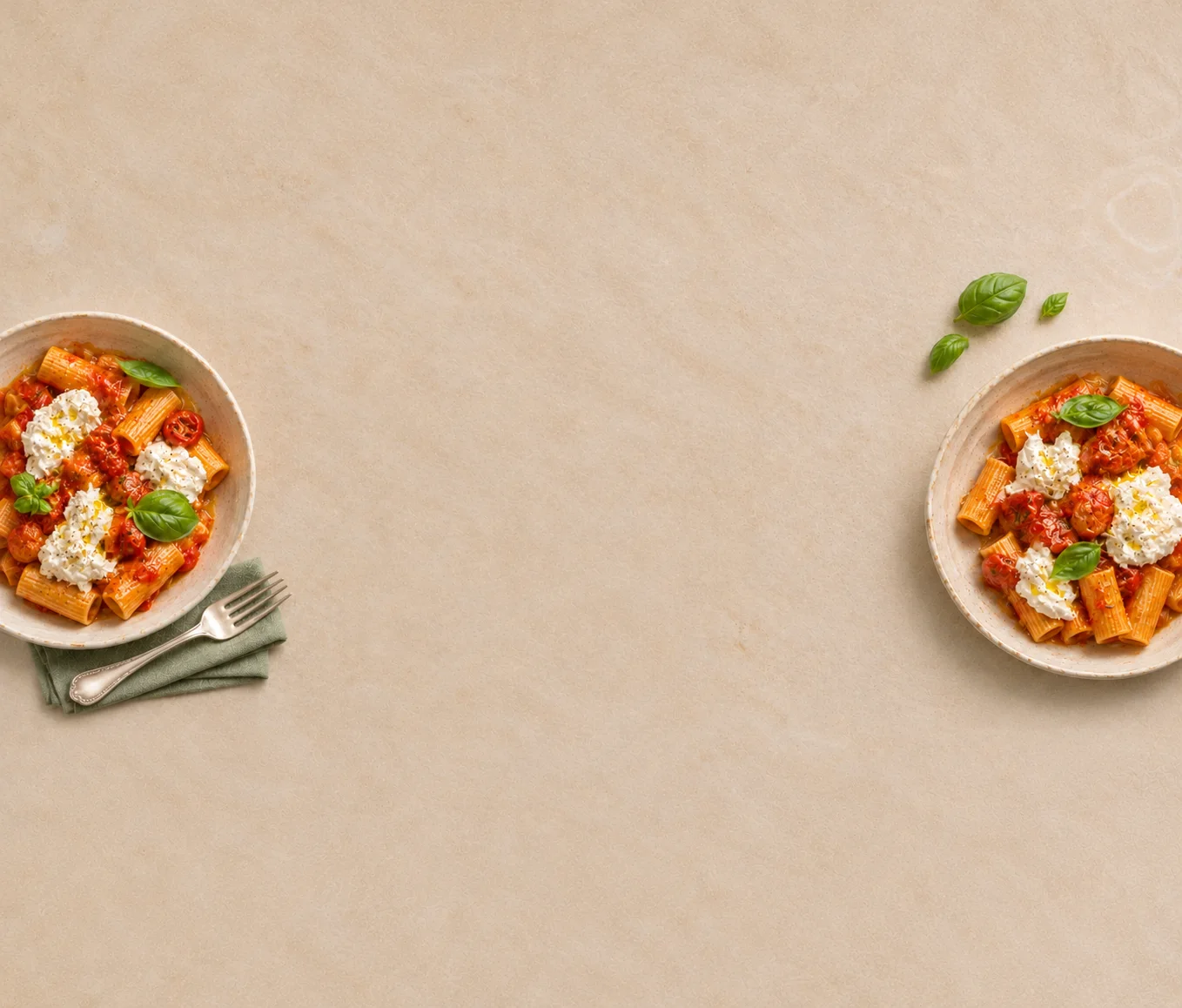
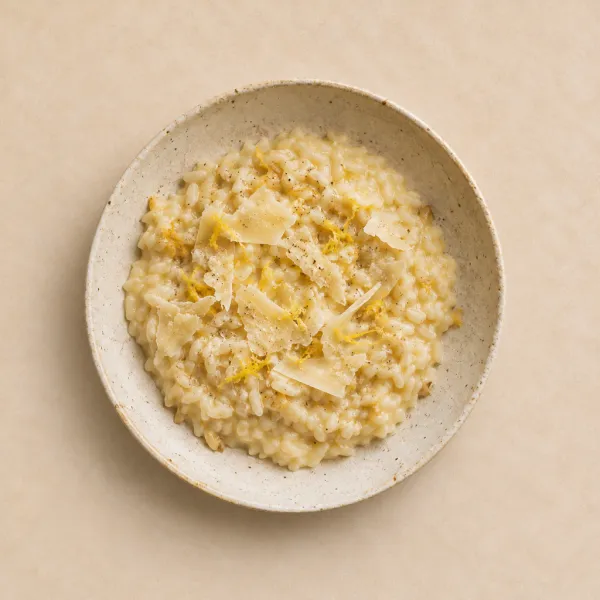
Recipes are stored on your device, not on our servers.
Saved recipes, cook mode, timers and voice work without a connection.
Every imported recipe keeps a link to where it came from.
Pricing
One payment unlocks Pro. No subscription.
Sprigge
Free
Everything you need to cook tonight.
Upgrade any time in the app.

Founder Edition

$14.99 once
Founder price. It goes up later.
Something else? Write to us.
Yes, to start. The free version saves up to 10 recipes and includes cook mode, timers, voice, the shopping list, the cook log and calorie estimates, plus 15 Smart Imports in your first 30 days, then 7 every 30 days. Sprigge Pro is one payment for unlimited recipes, 50 Smart Imports every 30 days, Sprout and detailed Food Intelligence. No subscription.
Share a link, a post or a reel from Instagram, TikTok or any recipe website, or add a screenshot or your own notes.
Your recipes are stored on your iPhone. Importing and Sprout send the recipe text to our servers to do their work.
Saved recipes, cook mode, timers and voice navigation work offline. Importing and Sprout need a connection.
English, Polish, German, French and Spanish. Recipes stay in the language they were written in.
Not yet. Sprigge is iPhone first.
Dinner’s ready
Sprigge is free to start on iPhone.